
Stretched image
Temperature tool
Makes the whole image warmer or cooler; the sky stays neutral.
How to use it
- Open Tools and click the tool: it is added after the selected step.
- Move its settings: the image follows as you move them (Live preview).
- Press Apply to keep the result. Before / after compares at any time.
Settings
- Temperature
- Right: warmer, towards red and yellow. Left: cooler, towards blue. In the middle the image is unchanged.
- Mask
- Everywhere, Bright parts (the object, not the sky) or Dark parts. Stars are not in the mask.
- Threshold
- Where the mask starts, from the sky background (0 %) to the brightest part of the object (100 %).
When to use it
When the whole image looks too cold or too warm. One slider.
Image
Works only on a stretched image.
Example
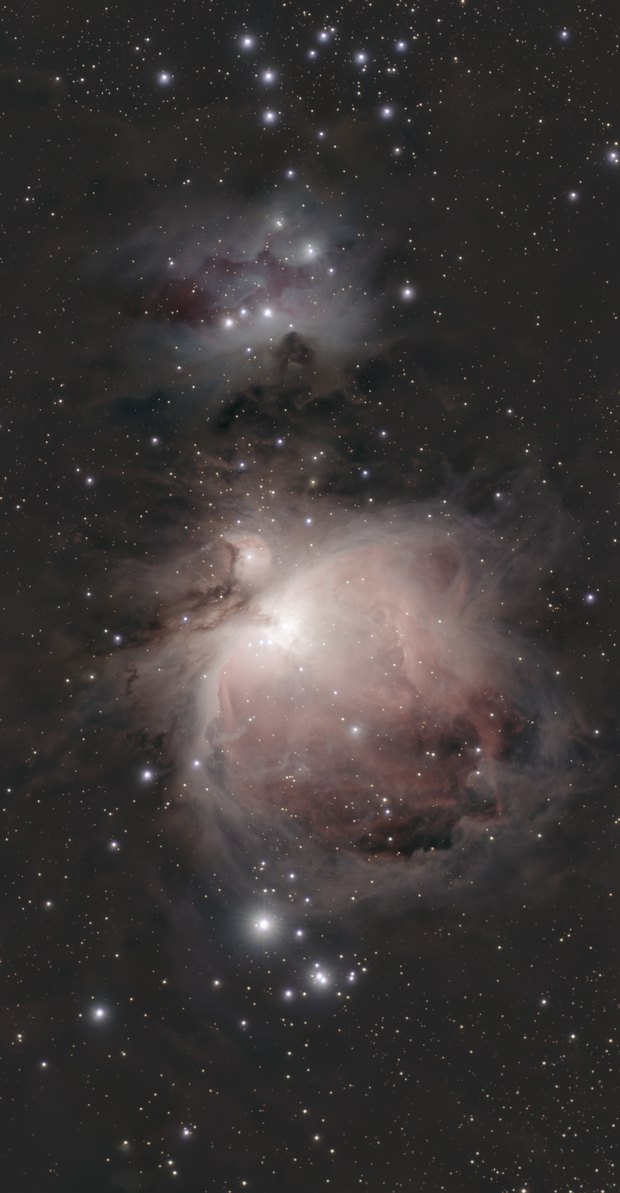
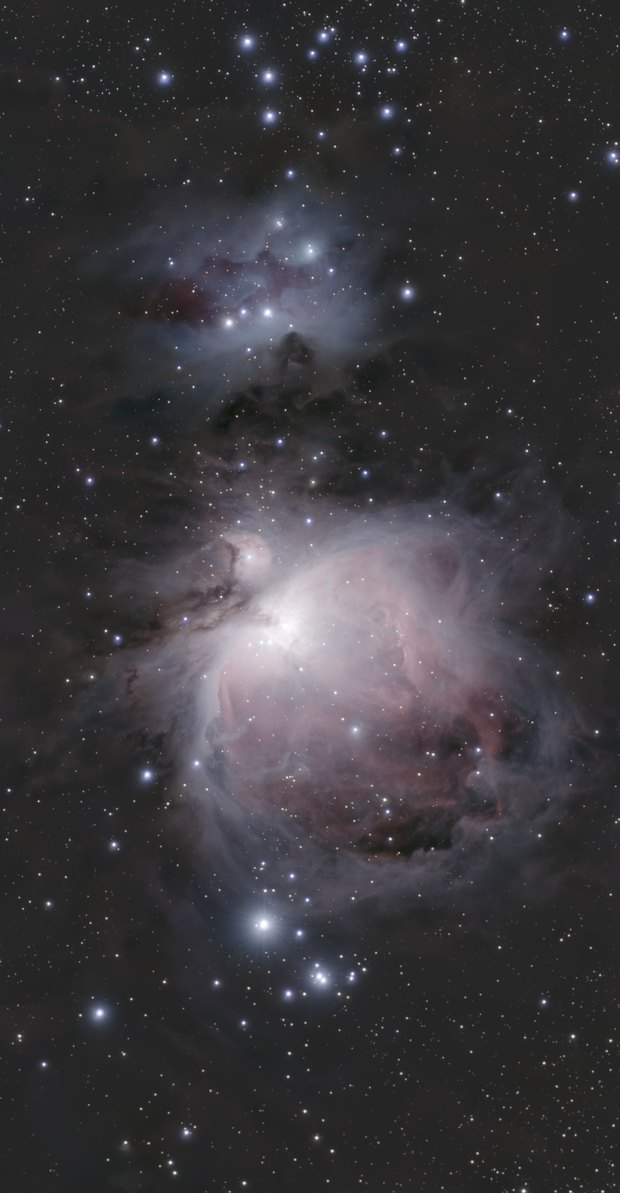 withoutwith Temperature