
Stars
Recombine tool
Puts the stars back on the nebula, with an adjustable contribution.
How to use it
- Open Tools and click the tool: it is added after the selected step.
- Move its settings: the image follows as you move them (Live preview).
- Press Apply to keep the result. Before / after compares at any time.
Settings
- Screen / Add
- Screen: for a stretched nebula (never clips). Add: for linear layers.
- Star brightness
- The contribution of the stars layer.
When to use it
After a separation, once the nebula and the stars are each as wanted.
Image
Works on a linear or a stretched image.
Example
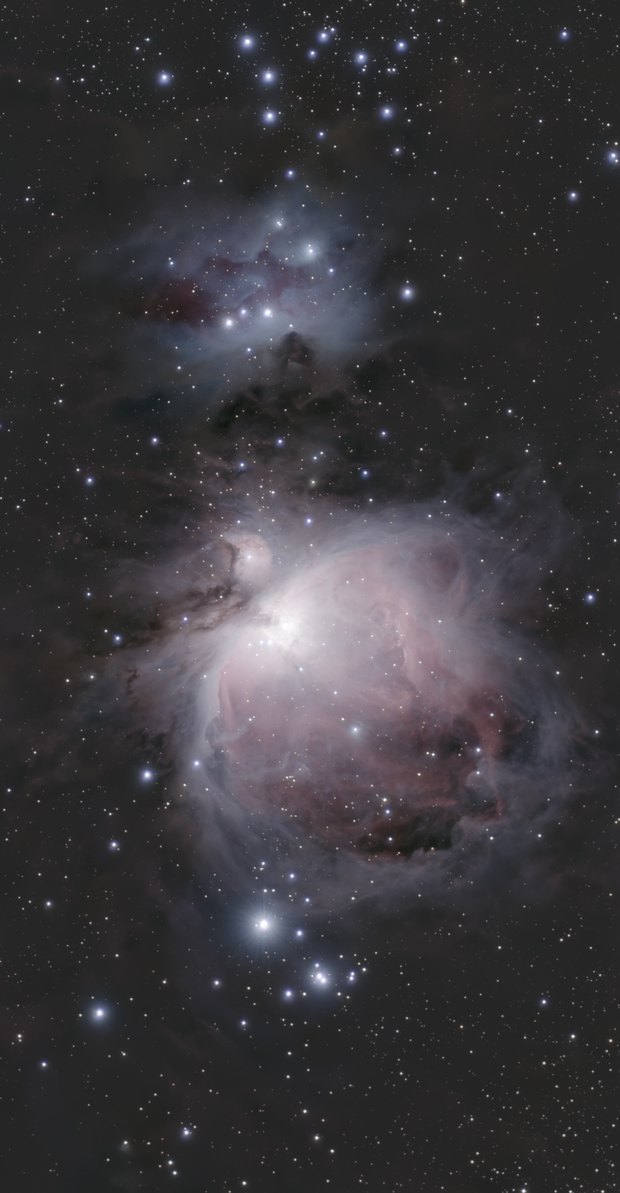
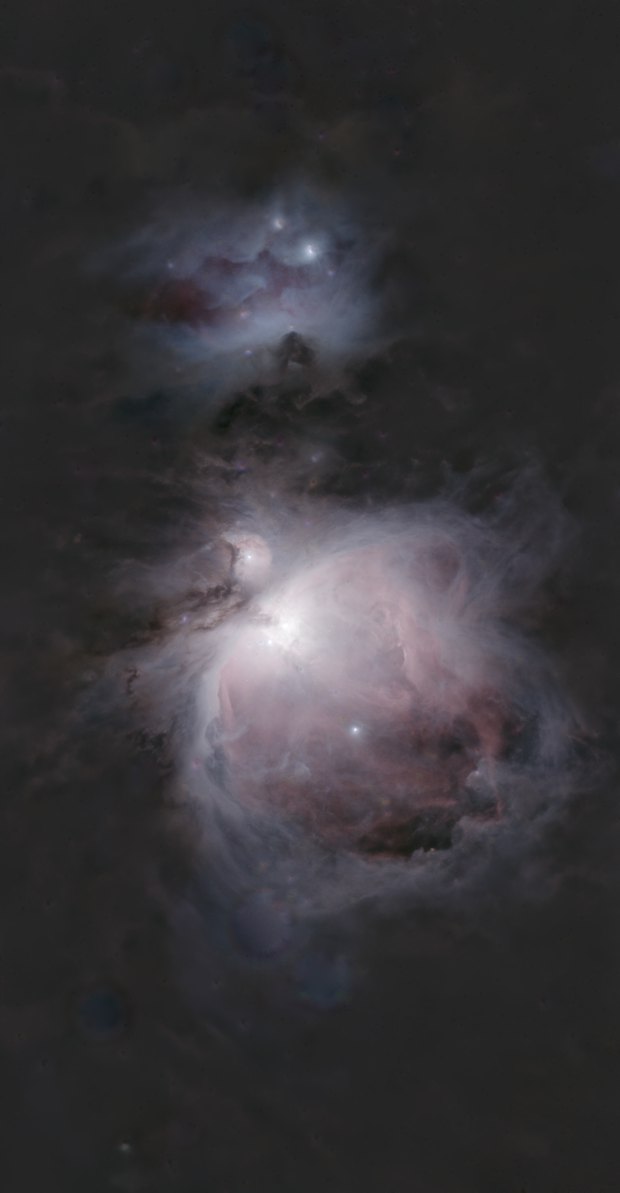 nebularecombined