
Linear image
Colour calibration tool
Sets the gains of the three colour channels: from your equipment profile, from the stars of the image, or from the Gaia DR3 catalogue.
How to use it
- Select the step in the sequence, or add the tool from Tools.
- Set it, then press Preview: the step is computed without being applied.
- Press Apply to keep the result, or change the settings and preview again.
Settings
- Equipment
- Applies the gains already measured for this sensor and this filter.
- Image stars
- Makes the median star of the image white. Needs nothing else.
- Gaia
- Gives each star the colour the Gaia DR3 catalogue knows for it; the gains are then saved as the equipment profile.
When to use it
After Background, before the stars are separated. Once the sensor and filter have been measured, it takes a fraction of a second.
Image
Works only on a linear image.
Example
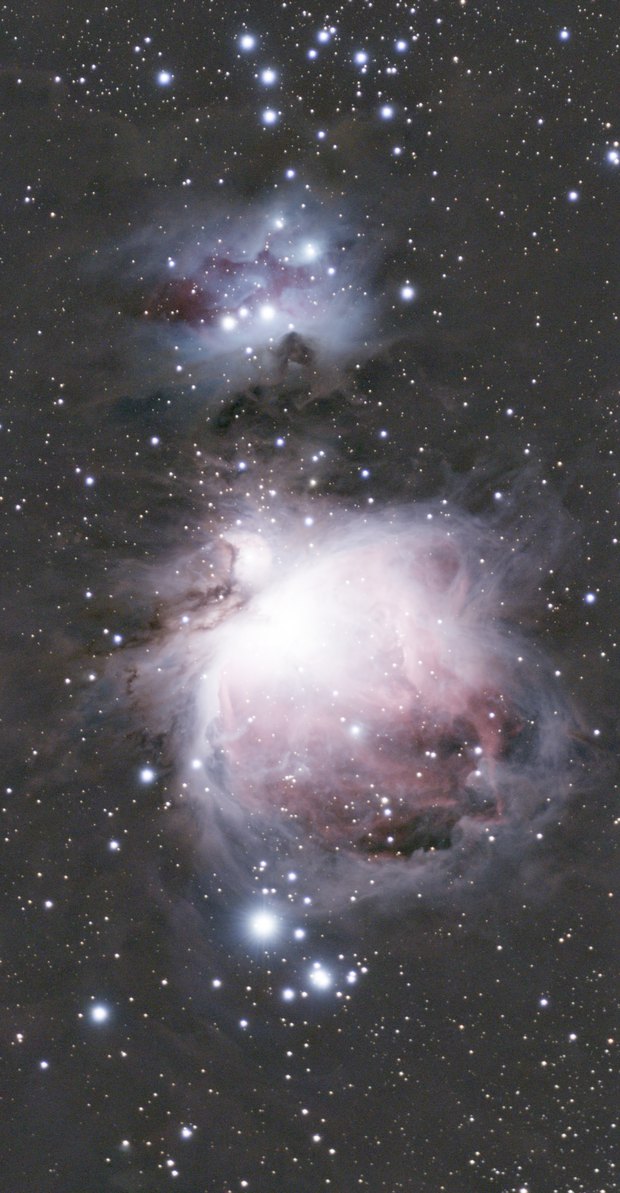
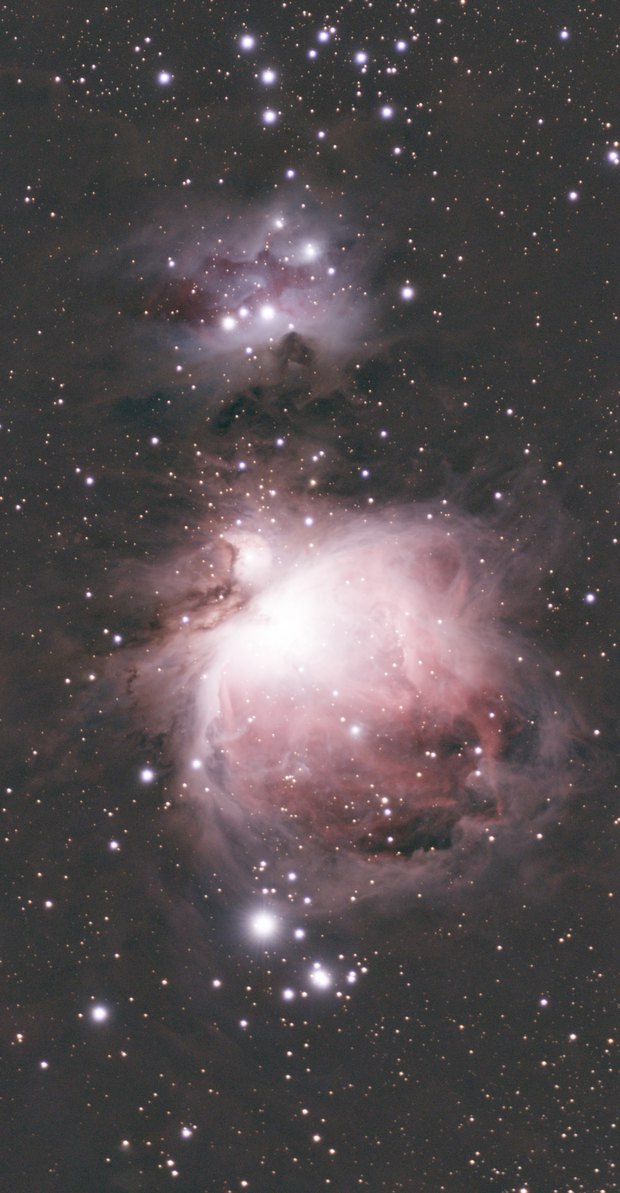 withoutwith Colour calibration